

Confidential Model
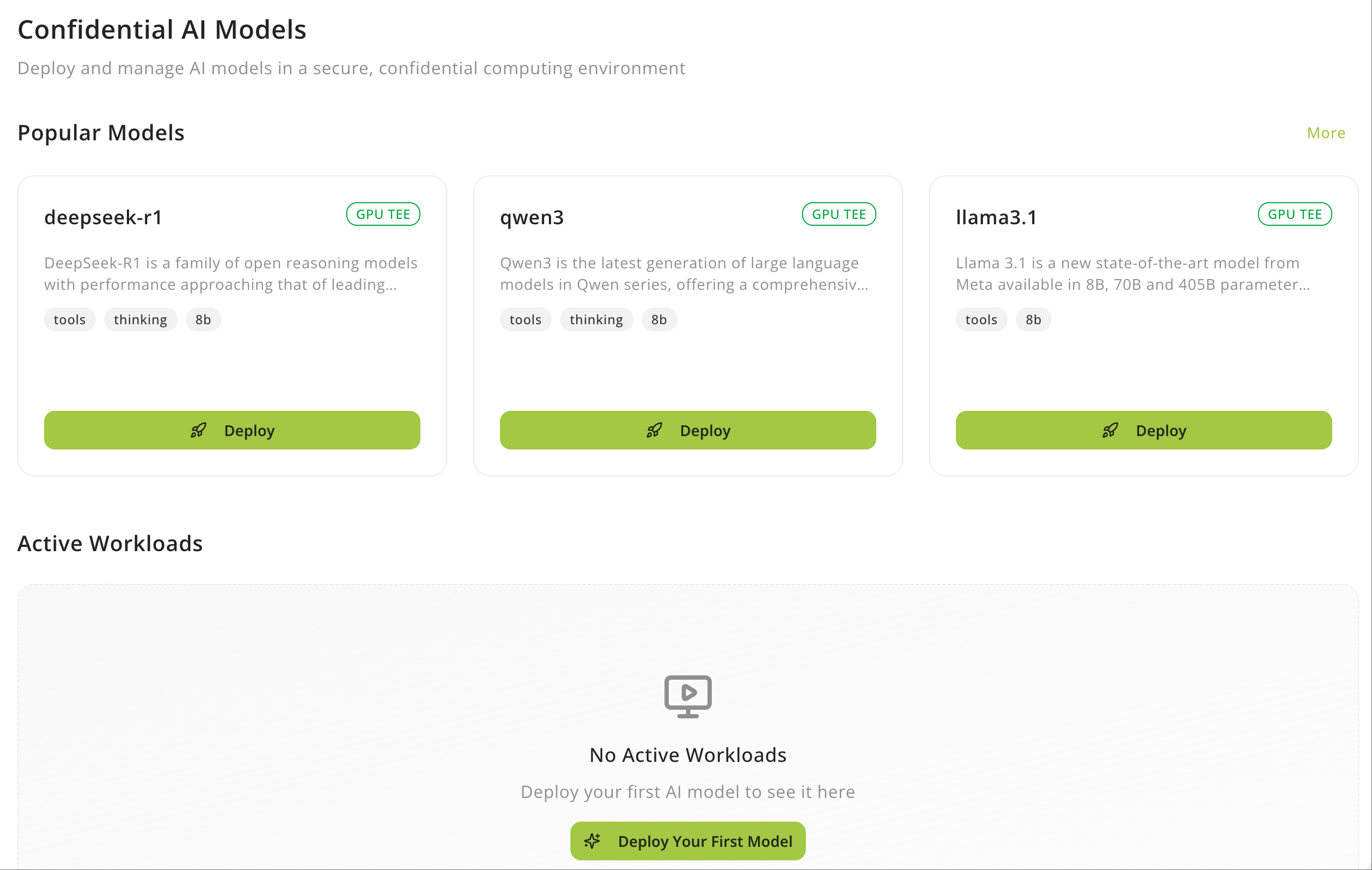
Confidential AI Models
Deploy and manage AI models in a secure, confidential computing environment
If you want to deploy exclusive LLM service on GPU TEE, Confidential AI Models service is what you want.
 Congratulations! You exclusive confidential AI model service will be ready soon.
Choose LLM Models
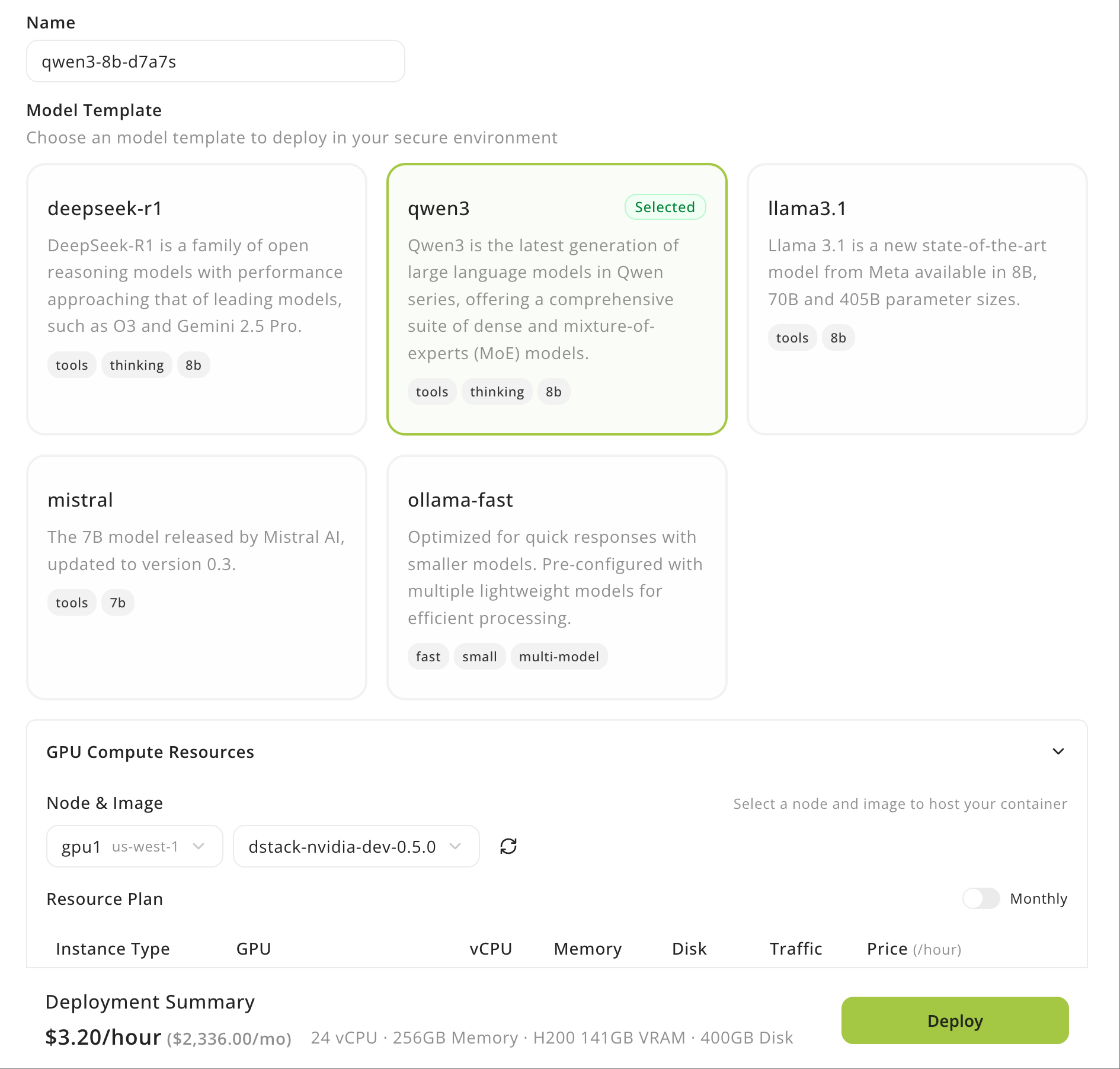
Click Confidential AI Models tab on Phala Cloud dashboard. Choose the model you want to deployh and click button of Deploy.- Set the model service Name (e.g., “qwen3-8b-d7a7s”)
- Choose model in Model template (e.g., “qwen3”)
- Node & Image: Usually, leave this option for default value
- Choose instance type in Resource Plan
- Set a specific date of Scheduled Destroy and time when this instance will be automatically destroyed. Leave empty for no automatic destruction.
- Finally, review the spec in Deployment Summary and click Deploy button.